Claude Skills: Teach AI Your Team's Playbook
Prompts give you a clever generalist. Skills give Claude a specialist's playbook — your tools, your conventions, your footguns. Here's how they work.
A good prompt gets you a clever generalist. It will reason about almost anything, but it doesn't know your stack — the way your team names things, the order your tools want their inputs, the one setting that quietly breaks everything if you forget it. So you re-explain. Every conversation, you paste the same context, correct the same mistakes, and watch the model drift back to generic behaviour the moment you stop steering.
Skills fix that. A Skill is a small folder of instructions, and optionally scripts and reference files, that Claude loads on its own when a task calls for it. Think of it as the onboarding doc you'd write for a new hire — except the new hire reads it instantly and never forgets. We already walked through Model Context Protocol, the standard that connects Claude to your tools and data. Skills are the natural companion: MCP is the wiring, Skills are the know-how. This post covers what they are, the clever mechanism that makes them cheap to run, how they differ from MCP, and how to build your first one.
From clever generalist to trained specialist
Prompts are conversation-level instructions for a single task. They're perfect for one-off requests, but they don't persist, and they don't scale: the tenth time you need Claude to run your reporting workflow, you're still typing out the same nine paragraphs of setup.
Skills move that knowledge out of the chat and into a reusable file. Anthropic describes them as modular, filesystem-based capabilities that turn a general-purpose agent into a specialist — workflows, context, and best practices that load on demand instead of being re-supplied each time. Write the procedure once, and Claude applies it consistently across every conversation, in every product where the Skill is installed.
For a team like ours, that's the whole game. A tracking implementation is a stack of repeatable-but-fiddly procedures: how to run a GA4 audit, the exact order of operations when publishing a GTM container, the checklist for verifying Meta Conversions API coverage, the gotchas that bite when GoHighLevel swaps a phone number under dynamic number insertion. None of that is hard once you know it — and "once you know it" is exactly what a Skill encodes.
What a Skill actually is
Under the hood, a Skill is just a directory. The only required file is SKILL.md, which opens with a small block of YAML frontmatter:
---
name: ga4-audit
description: Audit a GA4 + Google Tag Manager setup for tracking gaps. Use when reviewing GA4 events, GTM triggers, consent configuration, or debugging "(not set)" parameters.
---

# GA4 Audit

## Steps
1. Pull the live GTM container and list every tag, trigger, and variable.
2. Check consent ordering — the consent init trigger must fire first.
3. Verify each GA4 parameter actually arrives (watch for "(not set)").
...
Two fields are mandatory: name (lowercase letters, numbers and hyphens, up to 64 characters — and it can't contain reserved words like "claude" or "anthropic") and description. That description is the most important sentence in the whole file, because it's how Claude decides when to reach for the Skill. Write it to say both what the Skill does and when to use it.
From there a Skill can grow. Beyond SKILL.md you can bundle:
- More instruction files — separate markdown like
FORMS.mdorREFERENCE.mdfor deeper guidance you don't need every time. - Executable scripts — Python or shell scripts Claude runs to perform deterministic work.
- Reference resources — schemas, API docs, templates, examples; anything Claude should look up rather than guess.
A simple PDF Skill, straight from Anthropic's documentation, looks like this:
pdf-skill/
├── SKILL.md        (main instructions)
├── FORMS.md        (form-filling guide)
├── REFERENCE.md    (detailed API reference)
└── scripts/
    └── fill_form.py (utility script)
The clever part: progressive disclosure
Here's the design decision that makes Skills genuinely useful rather than just "saved prompts." Stuffing a 40-page playbook into Claude's context window on every request would be slow, expensive, and counterproductive — the important details would drown. Skills avoid this with progressive disclosure: Claude loads information in stages, pulling in only what the task in front of it needs.
It works in three levels:
- Level 1 — metadata, always loaded. At startup Claude reads just the
nameanddescriptionfrom each Skill's frontmatter — roughly a hundred tokens apiece. That's the entire upfront cost. You can install dozens of Skills and Claude simply knows they exist and when each applies, without any of them eating into your context. - Level 2 — instructions, loaded on trigger. When your request matches a Skill's description, Claude reads the body of
SKILL.mdfrom the filesystem and brings those instructions into context — typically under a few thousand tokens. Nothing loads until it's relevant. - Level 3 — resources and scripts, loaded as needed. Bundled files are touched only when the task actually references them. A Skill can ship dozens of reference documents; if today's job needs only one schema, that's the only file Claude reads. Everything else stays on disk at zero token cost.
The practical upshot is that there's no real ceiling on how much knowledge a Skill can carry. Comprehensive API references, large example sets, entire datasets — none of it costs anything until it's used.
Why scripts beat "just ask Claude to write the code"
The script handling deserves a callout, because it's the part teams underestimate. When Claude runs a bundled script, the script's code never enters the context window — only its output does. Run validate_form.py and Claude sees "Validation passed" or a specific error, not the hundred lines that produced it.
That buys you two things at once. Reliability: a script does the same thing every time, where freshly-generated code might not. And efficiency: you pay for a one-line result instead of the whole program. For anything deterministic — parsing a HAR file, validating a data layer against a contract, formatting an export — a script in a Skill is both cheaper and more trustworthy than asking the model to improvise the logic on the spot.
Skills vs MCP: know-how vs wiring
This is the question we get most, so let's be precise: Skills and MCP are not competitors, and you'll usually want both.
MCP connects Claude to the outside world — live tools, APIs, and data sources. It's the integration layer: the reason Claude can read your GTM container, query a database, or post to your CMS in the first place.
Skills package procedural knowledge — how to use those connections well, plus any bundled scripts and reference material. They don't fetch live data; they tell Claude what to do with it.
A tracking example makes the split obvious. MCP gives Claude a connection to the Google Tag Manager API — it can now read and write your container. But how you run an audit — the order to check things in, the consent-init trigger that must fire before everything else, the fact that a workspace fingerprint resets after every publish and has to be re-fetched, what a healthy data layer looks like — that's domain knowledge. Put it in a Skill. MCP is the hands; the Skill is the training. We run our own blog through an MCP server and lean on Skills for the repeatable procedures around it — the two slot together cleanly.
Where Skills run — and how to build your first one
Skills work across Anthropic's agent products, though the details differ by surface:
- claude.ai — Custom Skills upload as a zip under Settings → Features, available on Pro, Max, Team and Enterprise plans with code execution enabled. They're individual to each user, not shared org-wide. The built-in document Skills (PowerPoint, Excel, Word, PDF) are already working behind the scenes whenever Claude creates a file.
- Claude Code — Custom Skills are pure filesystem. Drop a folder in
~/.claude/skills/(personal) or.claude/skills/(per project) and Claude Code discovers it at startup. No upload step. This is the fastest way to iterate. - Claude API (and the same behaviour on Claude Platform on AWS and Microsoft Foundry) — Reference a pre-built Skill by its
skill_id(pptx,xlsx, and so on) or upload your own via the/v1/skillsendpoints; API Skills are shared workspace-wide. Using Skills here means turning on the code execution tool and sending the relevant beta headers:
code-execution-2025-08-25
skills-2025-10-02
files-api-2025-04-14
The easiest way to author one is to let Claude do it: the skill-creator Skill scaffolds the folder and SKILL.md for you from a plain description of what you want. Anthropic also publishes open-source Skills you can learn from or install directly in its skills repository. The full reference, including authoring best practices, lives in the Agent Skills documentation, and there's an engineering deep-dive on the architecture in Equipping agents for the real world with Agent Skills.
One sharp edge worth knowing up front: Custom Skills don't sync across surfaces. A Skill you upload to claude.ai isn't automatically available in the API, and Claude Code's filesystem Skills are separate from both. Plan to manage them per surface.
Use only what you trust
A Skill can hand Claude new instructions and runnable code, which is precisely what makes it powerful — and precisely why you should treat installing one like installing software. A malicious Skill could direct Claude to run commands or move data in ways that have nothing to do with its stated purpose.
The rule is simple: use Skills you wrote yourself or got from Anthropic, and audit anything from elsewhere before you trust it — read the SKILL.md, the scripts, and every bundled file. Be especially wary of Skills that fetch content from external URLs, since that content can carry instructions of its own, and extra-careful before wiring an outside Skill into anything with access to sensitive data or production systems.
Why this matters beyond Claude
In December 2025 Anthropic published the Agent Skills format as an open standard, with a partner directory spanning the likes of Atlassian, Canva, Cloudflare, Figma, Notion, and Sentry. The point of an open spec is portability: a Skill is meant to be a shareable, self-contained package rather than a Claude-only trick — the same move that turned MCP into a near-universal way for agents to use tools.
For anyone running real workflows, that's the signal worth paying attention to. The institutional knowledge that currently lives in your head, your wikis, and your team's muscle memory can become something an AI agent picks up and applies consistently — and carries with it wherever it works. At Pixel Logic Team we build exactly this kind of tooling for tracking and analytics, and we run Skills alongside MCP in our own stack. If a workflow is repeatable, it's a candidate to be a Skill. Start with the one you're tired of explaining.
Server-side tracking insights, in your inbox
Case studies and engineering deep-dives — a few emails a year, no noise.
No spam. Unsubscribe any time with one reply.
Related posts
Why Our GTM MCP Server Logged Out Every 30 Minutes
A hosted MCP server dropped our session every 30 minutes. Running it ourselves fixed it - and revealed three Google OAuth traps nobody documents.
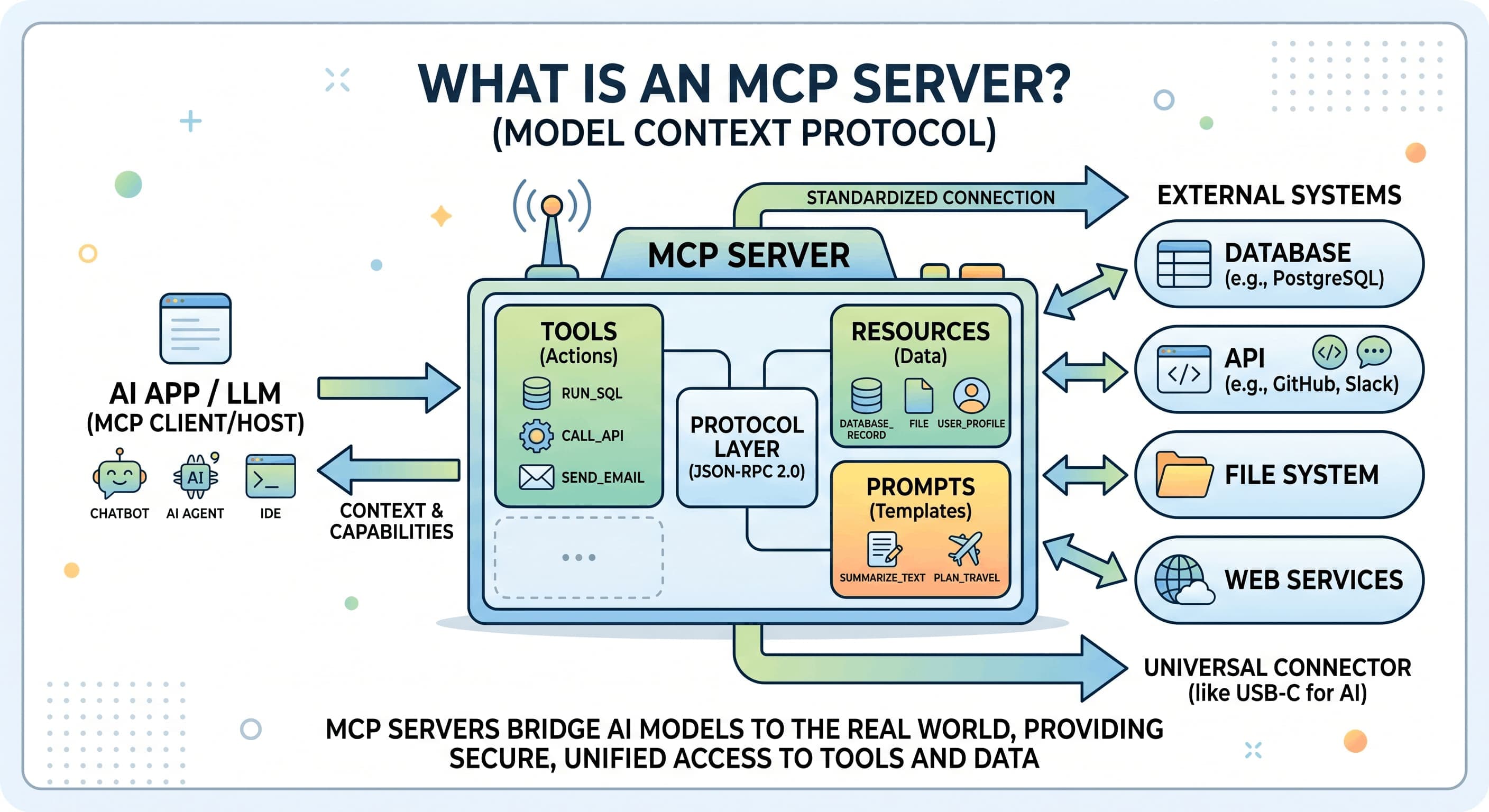
Model Context Protocol: AI's USB-C Interface Explained
MCP is the open standard that lets AI systems seamlessly talk to any external tool or data source. Learn how it works, why Anthropic created it, and how to build servers for production use.