How to Fix Typeform iFrame for Google Ads Enhanced Conversion Tracking
Missing out on high Event Match Quality Scores (EMQS) due to trapped iFrame data? When first-party data is hidden inside an embedded Typeform, your Meta Pixel and Conversions API lose the critical signals needed for Enhanced Conversions. In this technical deep-dive, we show you how to engineer a lightweight cross-domain tracking bridge using Google Tag Manager and postMessage. Discover how to securely pass isolated lead parameters directly into the parent domain's local storage and data layer—in

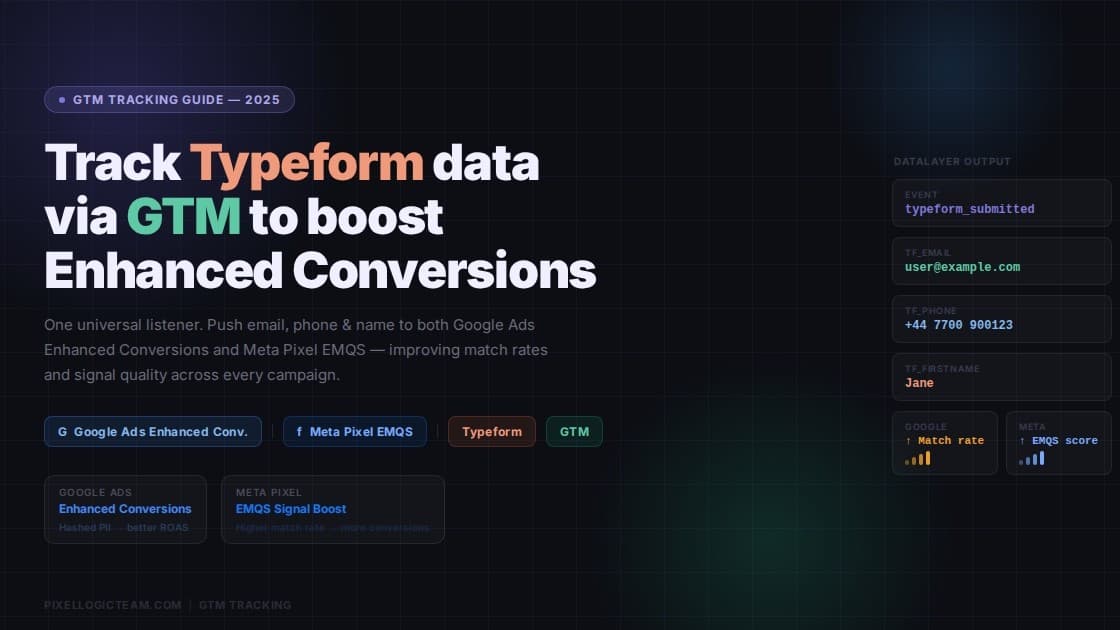
Tracking user conversions through an embedded iFrame (like TypeForm) is a notorious headache for growth marketers and analytics engineers. Because the iFrame sits on a completely different domain, your parent website’s data layer and ad pixels are essentially blind to what’s happening inside the form. Instead of wrestling with massive, messy nested JSON payloads, I recently engineered a bulletproof, lightweight solution using Google Tag Manager to bridge the gap perfectly:

🔹 Step 1: Isolate at the Source 🎯 Inside the Typeform iFrame container, we leveraged specific Custom JavaScript variables to grab clean, individual text strings for user data (email, first name, last name, phone) for Enhanced Conversion and Higher EMQS for Meta Pixel.

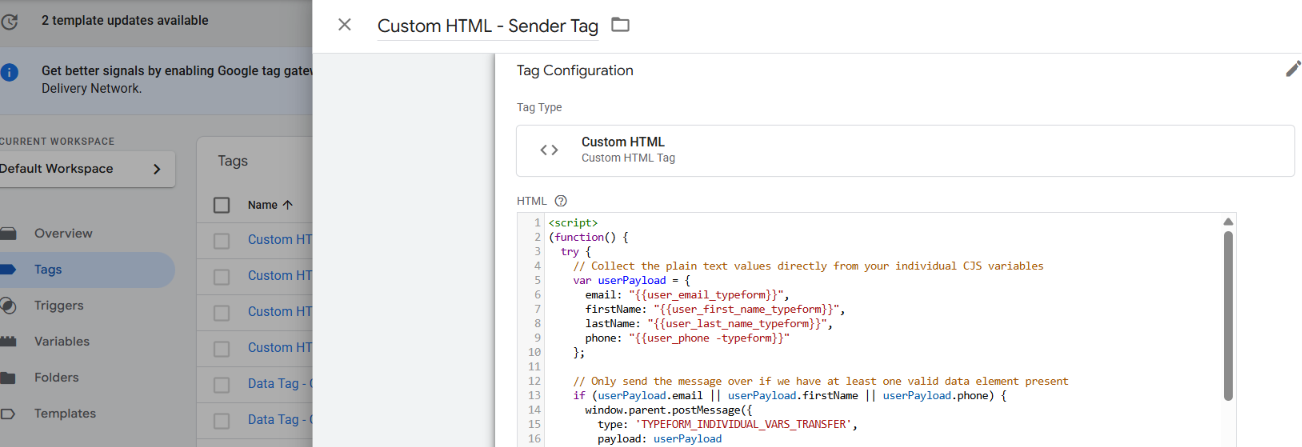
🔹 Step 2: Build the Secure Bridge 🌉 Using a Custom HTML sender tag inside the iFrame (Typeform), we bundled those plain text variables into a flat JavaScript object and passed it safely over the cross-domain boundary using window.parent.postMessage.
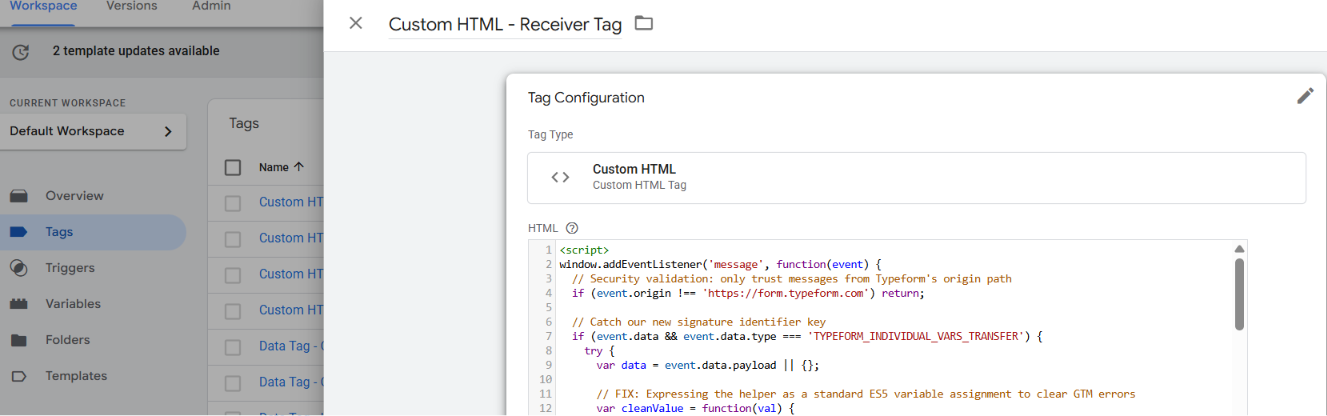
🔹 Step 3: Catch & Sanitize 🛡️ On the parent website, an ES5-compliant receiver tag listens for the data packet. It instantly filters out any ghost data or undefined strings, then saves the pristine values right into the main domain's Local Storage for persistence.
🔹 Step 4: Fuel the Pixels 🚀 The receiver tag immediately executes a clean dataLayer push under a dedicated custom event: type_form_optin.
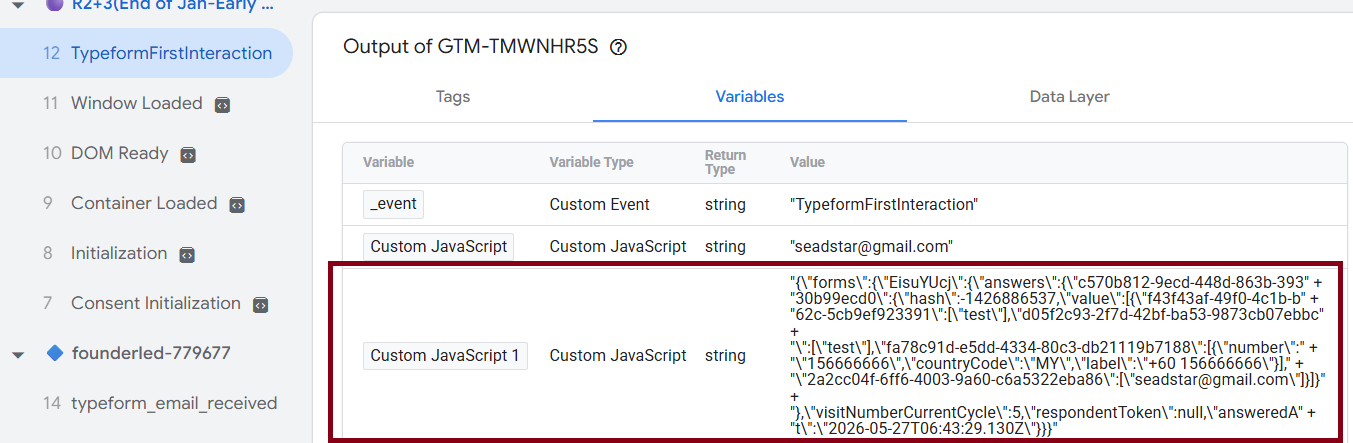
The result? An immaculate, flat data stream directly on the main website. No broken code, no data leakage, and zero lag. Now, Meta Conversions API, Enhanced Conversion Data, and TikTok pixels get high-quality, reliable first-party data for maximum match rates! 💻📈
Server-side tracking insights, in your inbox
Case studies and engineering deep-dives — a few emails a year, no noise.
No spam. Unsubscribe any time with one reply.
Related posts
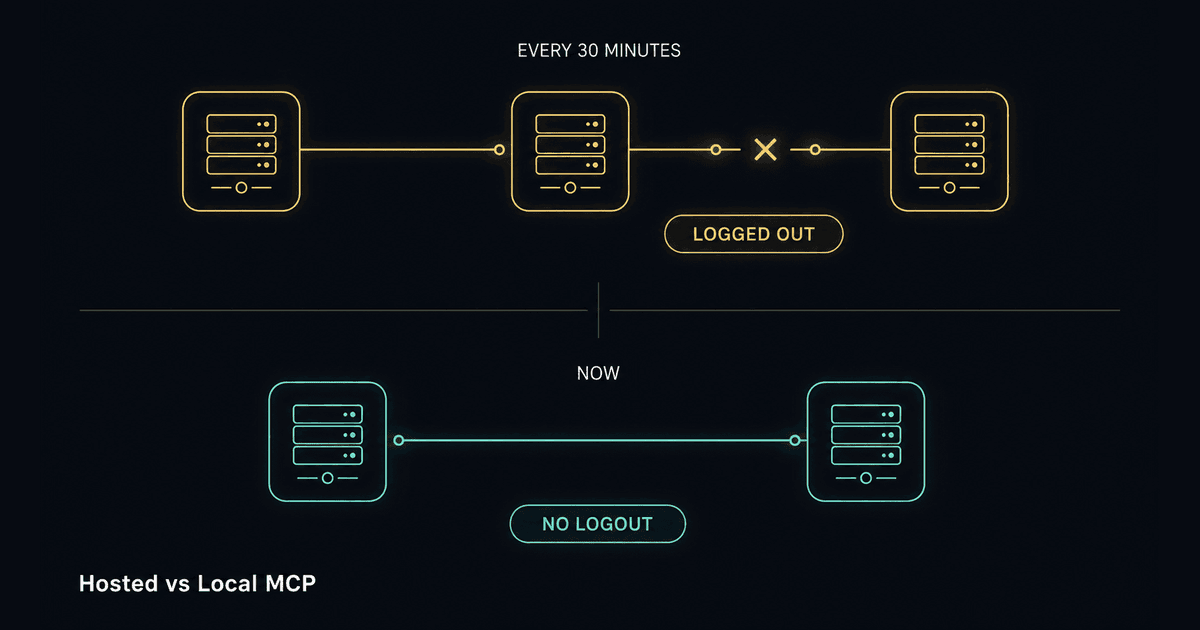
Why Our GTM MCP Server Logged Out Every 30 Minutes
A hosted MCP server dropped our session every 30 minutes. Running it ourselves fixed it - and revealed three Google OAuth traps nobody documents.

Dokploy: The Open-Source Deployment Platform We Switched To (And Never Looked Back)
We migrated Pixel Logic Team's entire infrastructure to Dokploy after hitting walls with Coolify. Here's what Dokploy is, why it works, and how to get started.